


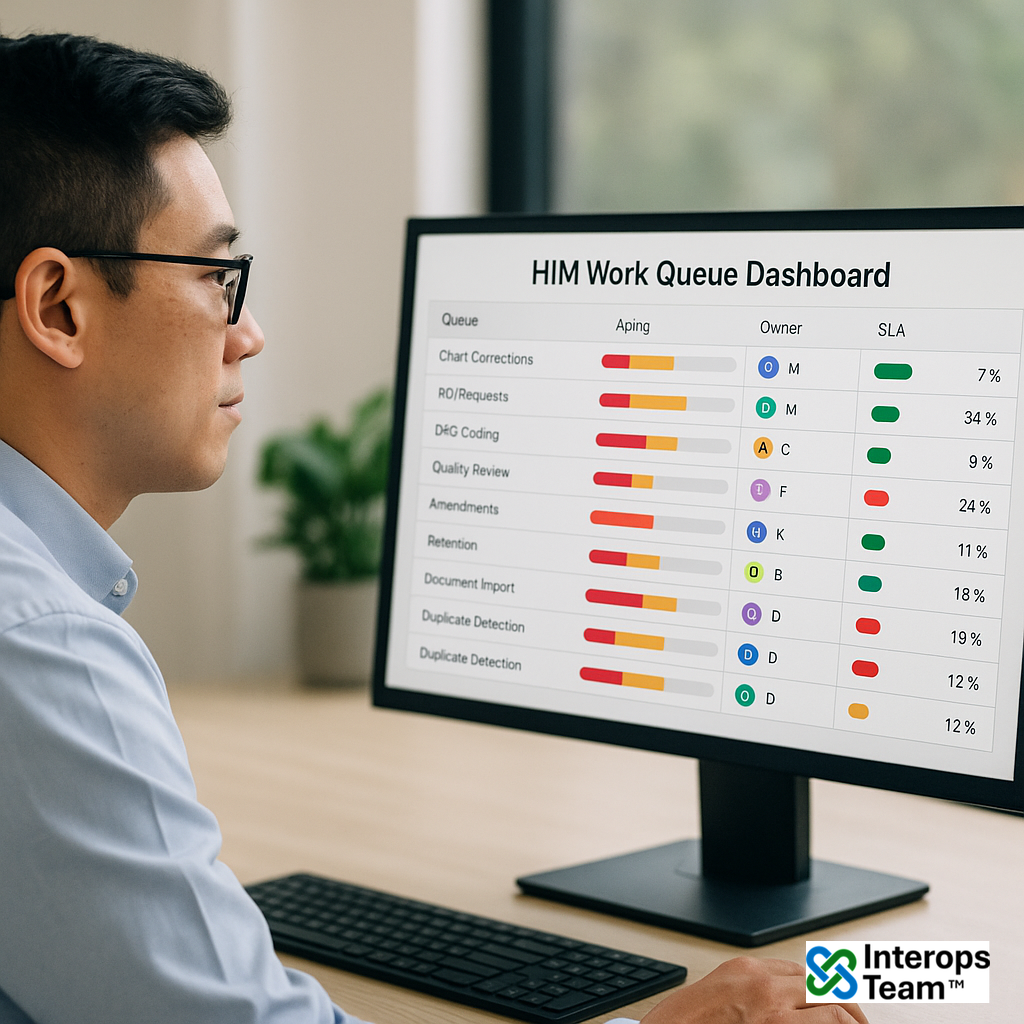
The HIM Work Queue Dashboard provides a single operational view of all active Health Information Management (HIM) tasks, including chart corrections, ROI fulfillment, coding, quality review, and compliance items. It consolidates task data from multiple workflows into unified queues with SLA indicators, workload distribution, and escalation logic, giving leaders a real-time handle on throughput and bottlenecks.
Why it matters
HIM teams operate across multiple systems and queues, often without visibility into cross-departmental workload or backlog. Fragmented oversight can lead to SLA breaches, uneven staffing, and compliance risk. This dashboard provides a centralized command center for managing tasks, redistributing work, and tracking operational health across all HIM domains.
Benefits
- Better throughput: Reduces task bottlenecks by surfacing real-time status, ownership, and priority across HIM functions.
- Balanced workload: Enables dynamic task reassignment and staffing optimization based on volume and SLA proximity.
- Predictable SLAs: Enforces service-level policies through automated escalation and completion monitoring.
- Operational transparency: Provides leaders with instant insight into backlog, turnaround time, and productivity metrics.
Capabilities
- Multi-queue visibility: Aggregates HIM tasks across correction, ROI, coding, and quality workflows into a unified view.
- Task assignment & escalation rules: Routes new tasks automatically to available staff based on skillset, workload, and role permissions.
- SLA & aging indicators: Displays time-to-breach countdowns, color-coded priority flags, and aging metrics by queue and assignee.
- Operational analytics: Tracks average resolution times, backlog trends, and throughput KPIs by facility or work type.
- Audit & reporting exports: Generates time-stamped performance summaries for leadership, compliance, or accreditation review.
- Role-based dashboards: Customizable views for HIM directors, managers, and line staff with tailored filters and permissions.
- Integration hooks: Connects directly to task sources (EMR, content management, ROI, and quality systems) for near-real-time updates.
Great for
- Health Information Management (HIM) Teams: Manage and monitor chart corrections, ROI requests, coding, and quality workflows through unified queue views with prioritization and escalation controls.
- Compliance & Operations Leads: Balance staffing, monitor SLA adherence, and resolve backlogs using data-driven assignment and throughput analytics.
- Clinical Informatics & EMR Analysts: Integrate queue data from multiple systems and surface performance metrics for continuous improvement and defensible audit readiness.
- Revenue Cycle & Quality Leaders: Correlate documentation throughput with downstream billing and reporting performance to optimize overall operational efficiency.
Integration & Standards Alignment
- FHIR R4 compliant (
Task,AuditEvent,Provenance) - Supports IHE ATNA for audit trail integrity and accountability
- Integrates with EMR tasking systems, ROI tracking, and coding worklists
- Aligns with HIMSS and AHIMA workflow productivity standards
- Configurable to organizational SLAs, escalation thresholds, and productivity KPIs
Outcome Metrics
- ↓ reduction in average task turnaround time
- ↑ improvement in SLA compliance across HIM workstreams
- ↑ increase in cross-department workload balance and task visibility